Training · Riders
Ride with Atlas: from download to boarding
Download the Bhadala Atlas app, sign up, and start buying passes for seamless transit across the Detroit metro area. Here's everything you need to get moving.
Download the Bhadala Atlas app and create your account
Bhadala Atlas is free to download from the App Store and Google Play. Sign up with your name, email and phone number, verify your account, and you're ready to ride.
- Download Bhadala Atlas from the App Store (iOS) or Google Play (Android).
- Register with your name, email and phone number, then enter the verification code we send you.
- Add funds to your Personal Wallet, or use subsidy funds if you have them.
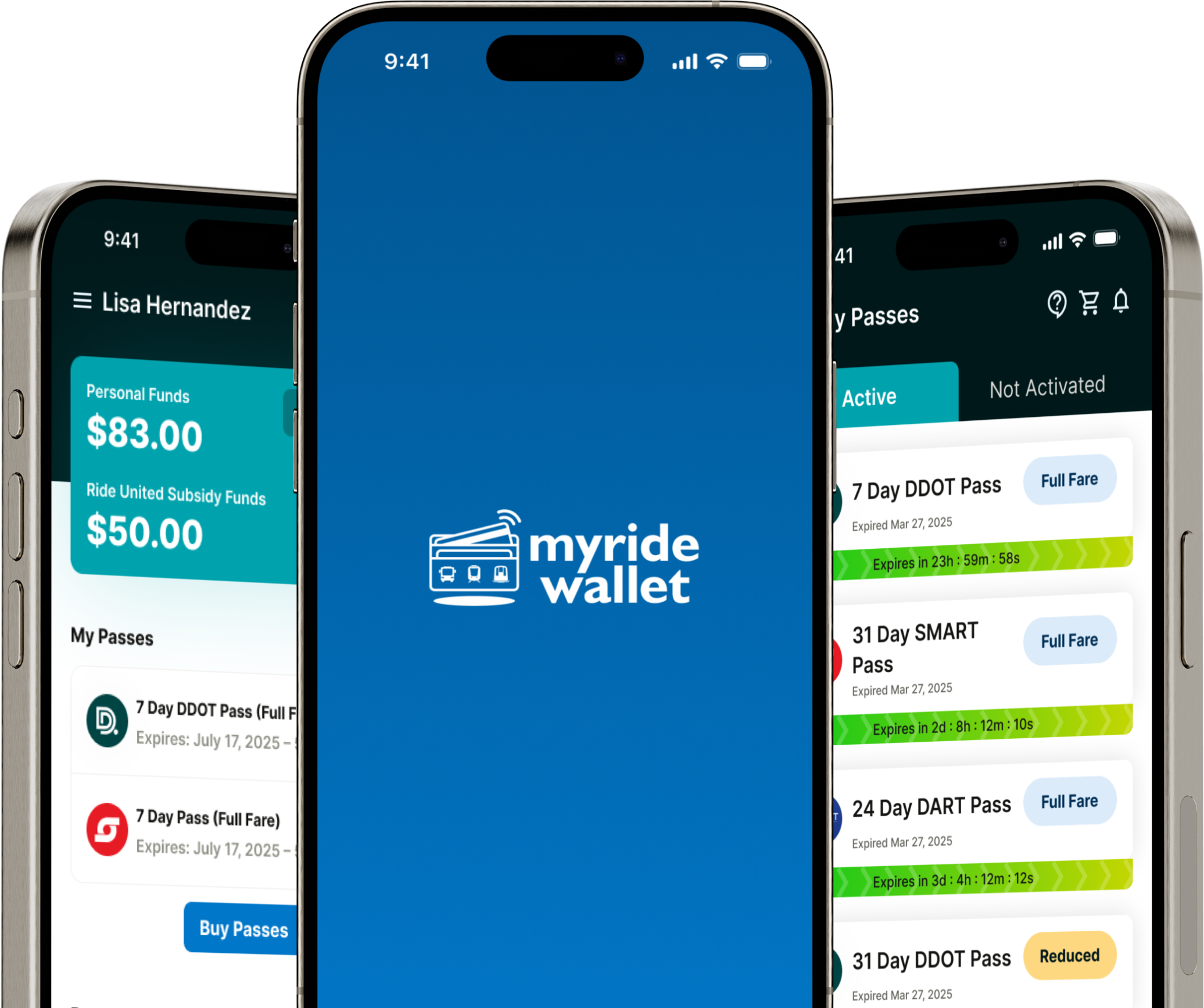
Easy account setup and pass purchase
Once you're signed in, buying a pass takes just a few taps. Choose your agency, pick the fare that fits your trip, and pay from your wallet.
- Pick an agency — DDOT, SMART or Regional service.
- Choose your fare — from 4-hour and 24-hour passes to weekly and monthly, plus reduced fares if you qualify.
- Pay in seconds from your Personal Wallet or Subsidy Wallet.
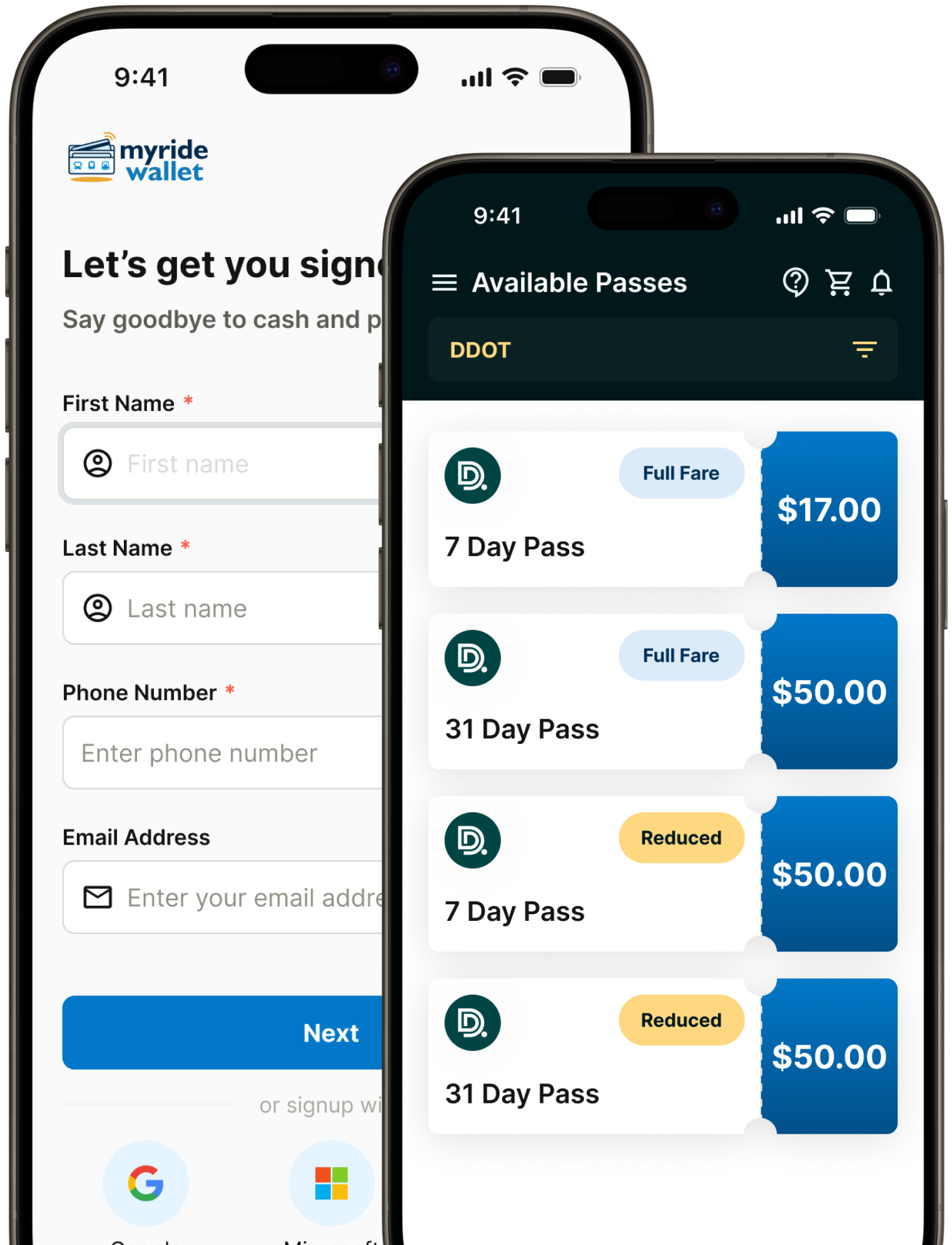
Digital passes that work offline
Your purchased passes live in your wallet and are ready whenever you are. Activate a pass just before you board — once activated, it works even without a signal.
- Store multiple passes and see which are active and which are waiting to be used.
- Activate on the go — a live, animated pass shows the driver it's valid.
- No signal needed — active passes keep working offline once downloaded.
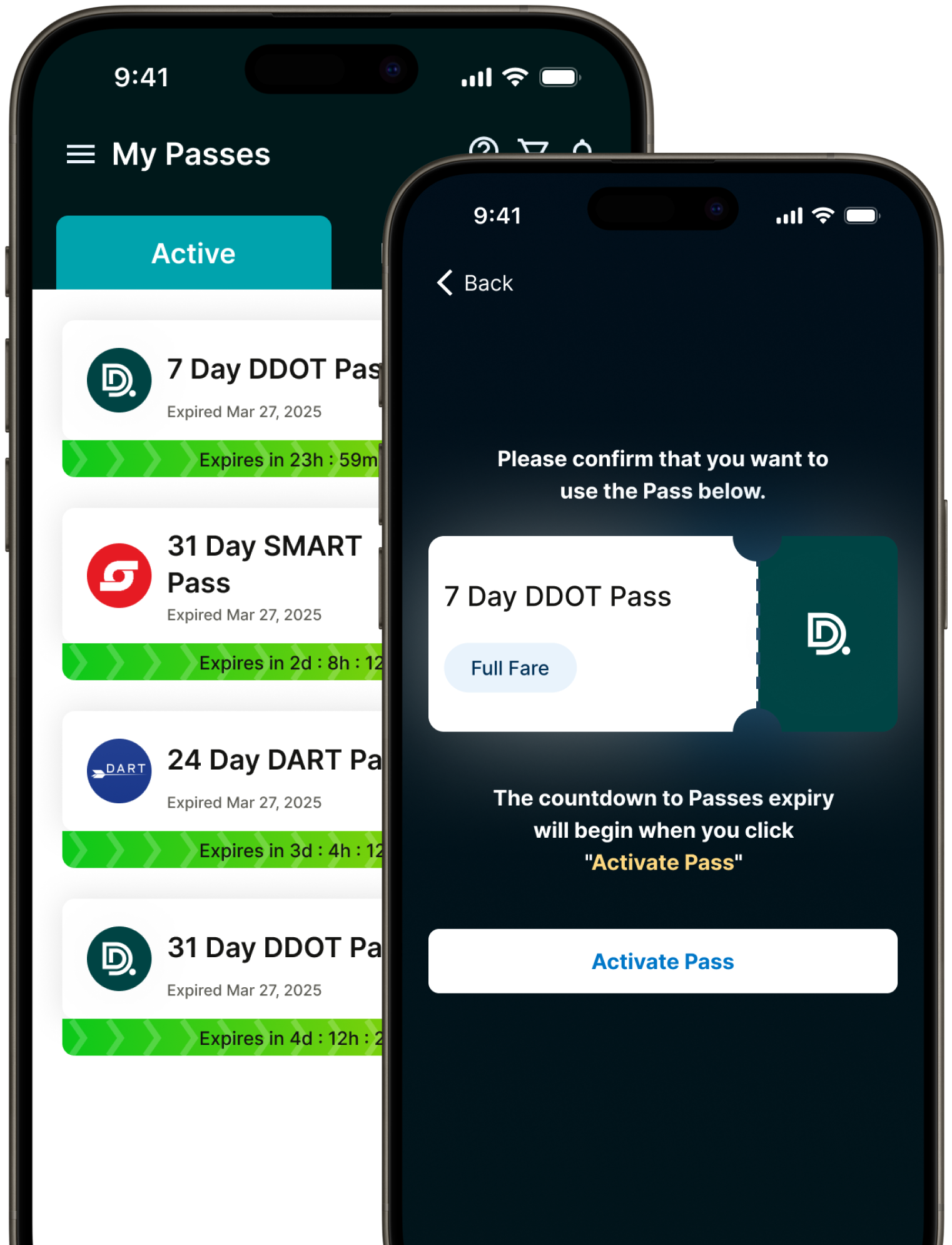
Show your pass and board
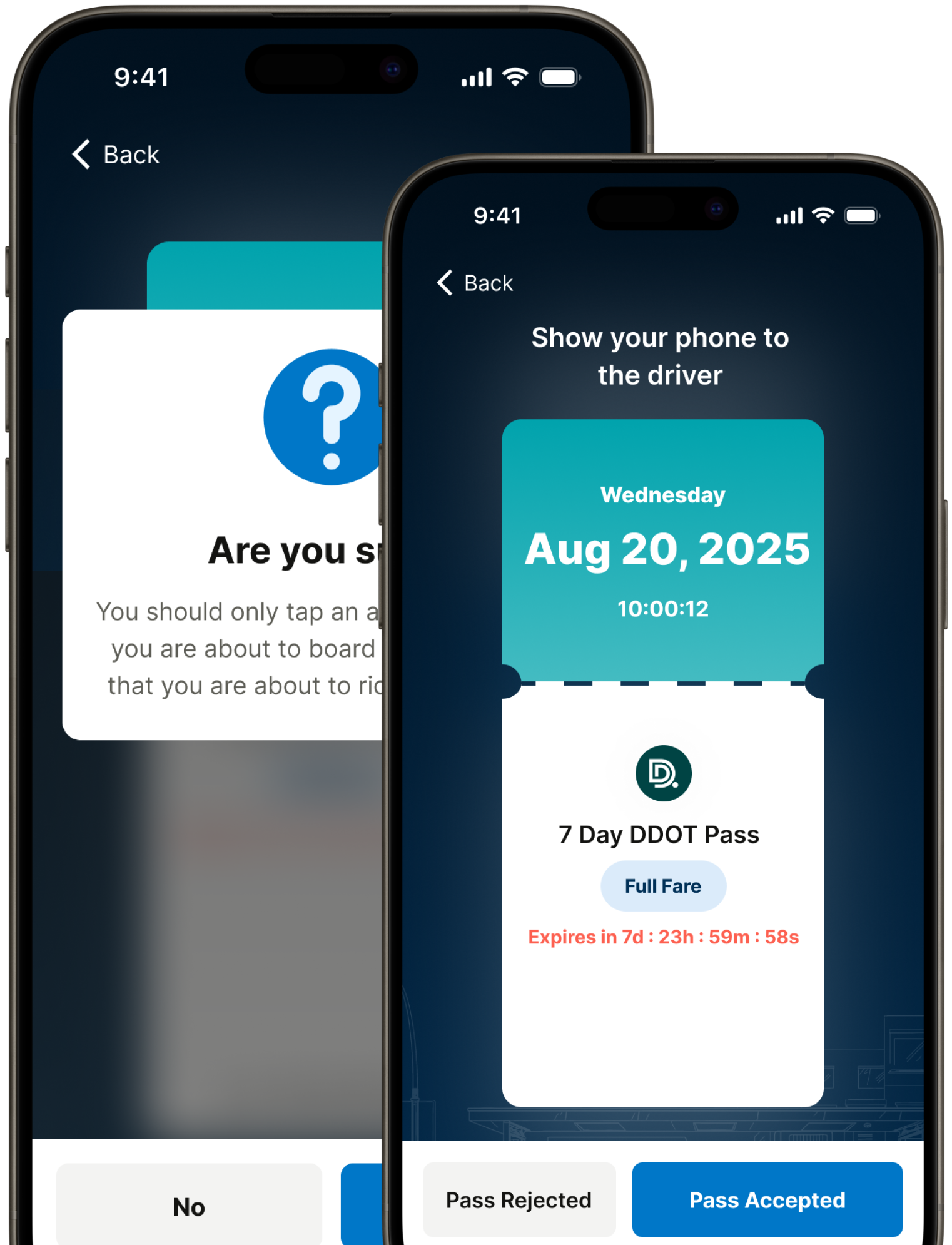
Boarding is simple: open your active pass and show it to the driver. Drivers verify visually — no scanners or extra hardware required.
- Open your active pass before you reach the door to speed up boarding.
- Visual verification by drivers — the animated pass and agency branding confirm it's genuine.
- Board and go — you're on your way in seconds.
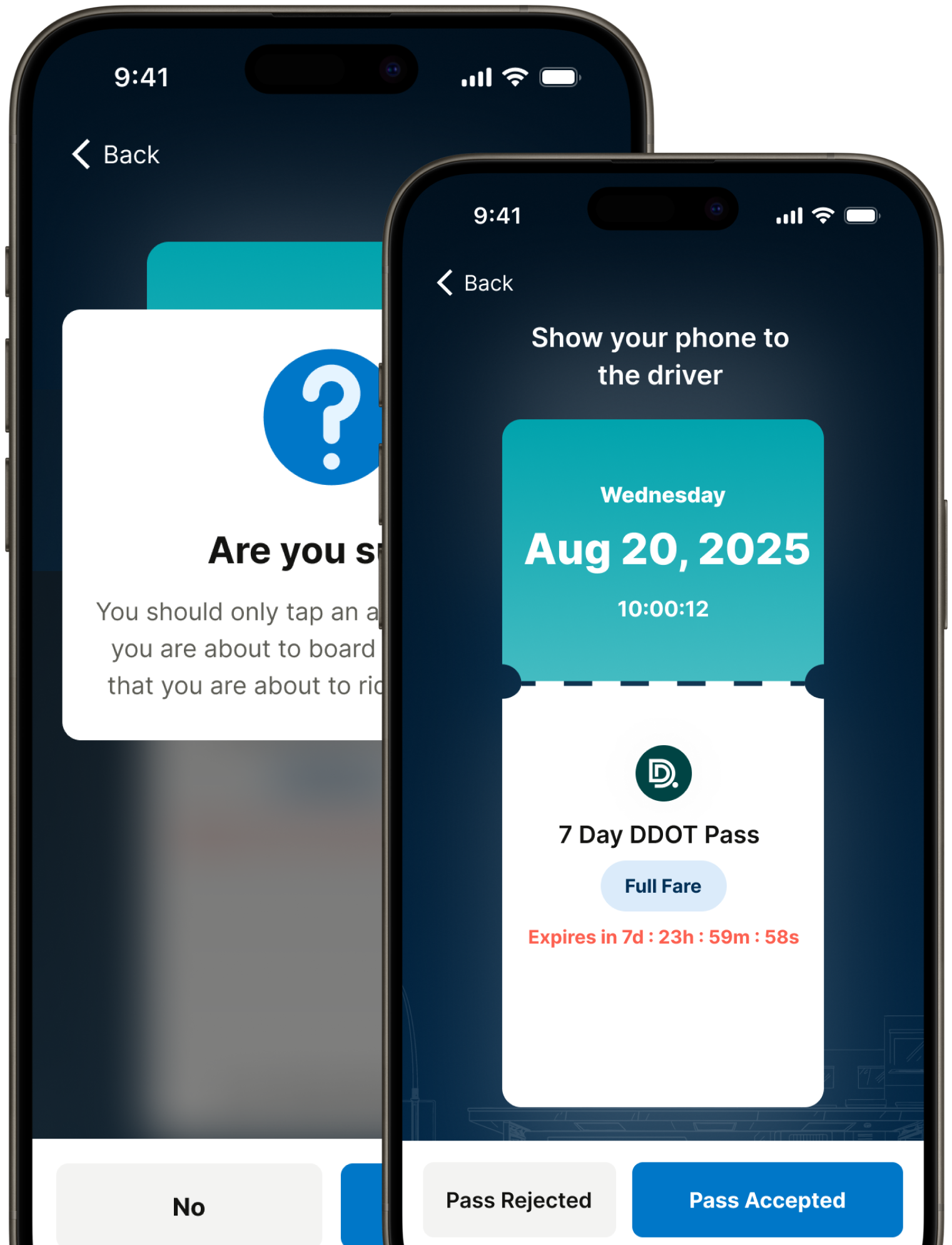
Real-time pass status and notifications
Keep track of everything from one place. Bhadala Atlas shows your balances, active passes and expiry times, and sends notifications so nothing catches you off guard.
- Track balances across your Personal and Subsidy Wallets.
- See expiry at a glance — know when a pass ends and how many are still active.
- Get notified about pass status and account activity in real time.
Tips for a smooth ride
Follow these simple tips so your Bhadala Atlas experience is seamless every time you board.
Keep your screen bright
Set your phone's brightness to maximum so your pass is easy to see when you board the bus.
Have your pass ready
Open your active pass before boarding to speed up verification and keep the line moving.
Keep the app updated
Update Bhadala Atlas regularly to get new features and keep everything running smoothly.
Ready to start your journey?
Download Bhadala Atlas today and experience seamless public transit across Metro Detroit.
Download the app